


Wilcom Embroidery Digitizing Software: Complete Guide
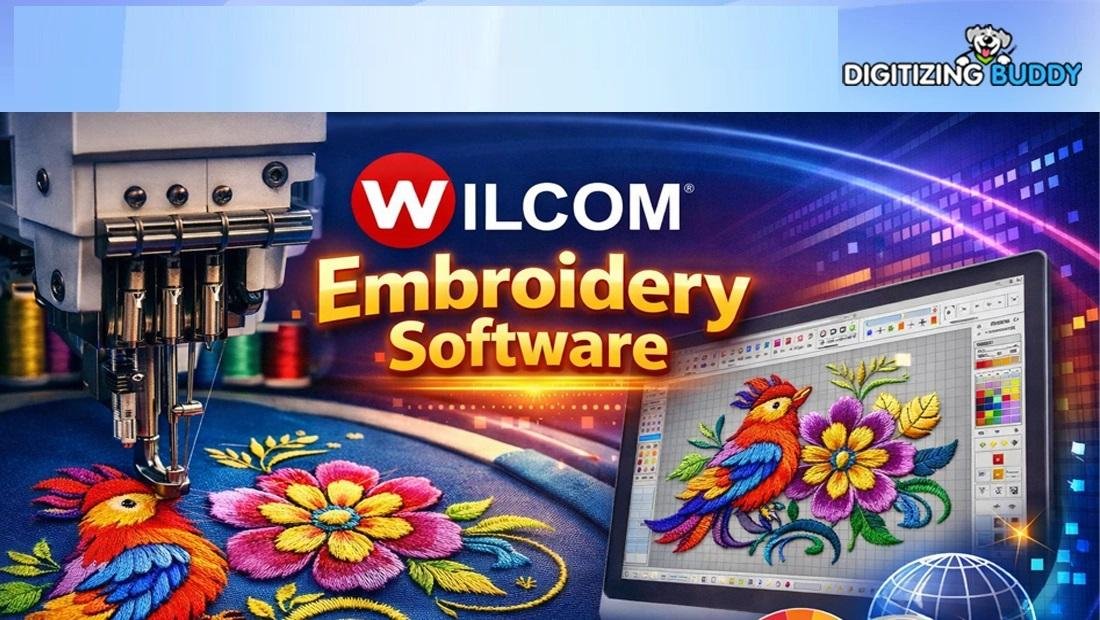
Wilcom Embroidery Digitizing Software
If you’ve ever tried turning a simple logo into a clean embroidery design, you know—it’s not as easy as clicking a button.
That’s where Wilcom Embroidery Digitizing Software comes in. It’s designed to make embroidery digitizing smoother, faster, and more professional—even for complex designs.
In this guide, we’ll break everything down in plain language. Whether you're just starting or looking to upgrade your workflow, this will help you understand what makes this software so powerful.
What Is Wilcom Embroidery Digitizing Software?
Wilcom Embroidery Digitizing Software is a professional tool used to create, edit, and convert embroidery designs into machine-readable stitch files.
Think of it like a translator.
You give it artwork (like a logo), and it converts that into stitches your embroidery machine understands.
Why Do Digitizers Use This Software?
Embroidery isn’t just about design—it’s about precision.
Here’s why many professionals rely on this software:
-
High-quality stitch control
-
Advanced editing tools
-
Accurate design previews
-
Support for multiple embroidery formats
-
Time-saving automation features
It helps turn rough artwork into clean, production-ready embroidery files.
Key Features of Wilcom Embroidery Digitizing Software
Let’s explore what makes it stand out.
1. Auto-Digitizing Tools
This feature helps convert images into stitches automatically.
-
Great for beginners
-
Saves time on simple designs
-
Can be fine-tuned manually
2. Manual Digitizing Control
For professionals, manual control is everything.
You can:
-
Adjust stitch types (satin, fill, run)
-
Control stitch direction
-
Set density and underlay
This ensures your design stitches out clean and smooth.
3. Advanced Editing Options
Need to tweak something? No problem.
-
Resize designs without distortion
-
Change thread colors
-
Edit stitch paths
-
Remove or add elements
It gives you full creative control.
4. Lettering and Monogramming
Creating text designs is simple and fast.
-
Built-in embroidery fonts
-
Easy spacing and alignment tools
-
Perfect for names, logos, and branding
5. Realistic Design Preview
You don’t have to guess how your design will look.
-
3D stitch simulation
-
Fabric background preview
-
Thread color visualization
This helps avoid mistakes before stitching.
How to Use Wilcom Embroidery Digitizing Software
Getting started is easier than you think.
Step-by-Step Process:
-
Import Your Design
Upload your logo or artwork file. -
Choose Digitizing Method
Use auto-digitizing or manual tools. -
Edit the Design
Adjust stitch types, direction, and density. -
Preview the Output
Check the 3D simulation. -
Export the File
Save in your machine’s format (DST, PES, etc.).
Who Should Use This Software?
This tool is ideal for:
-
Embroidery business owners
-
Freelance digitizers
-
Apparel brands
-
Hobbyists who want professional results
If you care about quality stitching, it’s a solid choice.
Pros and Cons
Pros:
-
Professional-grade results
-
Wide range of tools
-
Supports many file formats
-
Great for detailed designs
Cons:
-
Can feel complex for beginners
-
Requires time to learn properly
Tips to Get the Best Results
Want your designs to look clean and sharp? Try this:
-
Start with high-quality artwork
-
Keep designs simple when possible
-
Adjust stitch density based on fabric
-
Test designs before full production
-
Save multiple versions of your file
When to Consider Professional Help
Even with powerful tools, digitizing takes skill.
If you're working on:
-
Complex logos
-
Small text designs
-
High-volume production
It’s often better to outsource.
Digitizing Buddy can help you:
-
Create clean, production-ready files
-
Optimize stitch quality
-
Save time and avoid costly errors
Conclusion
Wilcom Embroidery Digitizing Software is a powerful tool for anyone serious about embroidery.
It gives you the control, flexibility, and precision needed to turn ideas into high-quality stitched designs.
But like any tool, it works best when you understand how to use it properly.
Start simple, practice often, and don’t hesitate to get expert help when needed.
FAQs About Wilcom Embroidery Digitizing Software
1. Is Wilcom Embroidery Digitizing Software beginner-friendly?
It has beginner features like auto-digitizing, but mastering it takes practice.
2. What file formats does it support?
It supports popular formats like DST, PES, EXP, and more.
3. Can I use it for logo digitizing?
Yes, it’s widely used for converting logos into embroidery designs.
4. Do I need design experience to use it?
Basic design knowledge helps, but you can start with simple projects and learn over time.
5. Is it worth using for small embroidery businesses?
Absolutely. It helps improve quality, save time, and deliver professional results.

 English
 Portuguese (Brazil)
 Greek
Greek